Best Trust Badges for WooCommerce Stores
Compare Welo Badge, TrustedSite, Trusted Shops, Trustpilot, and free WooCommerce badge icons by what they verify, installation options, pricing, and store fit.
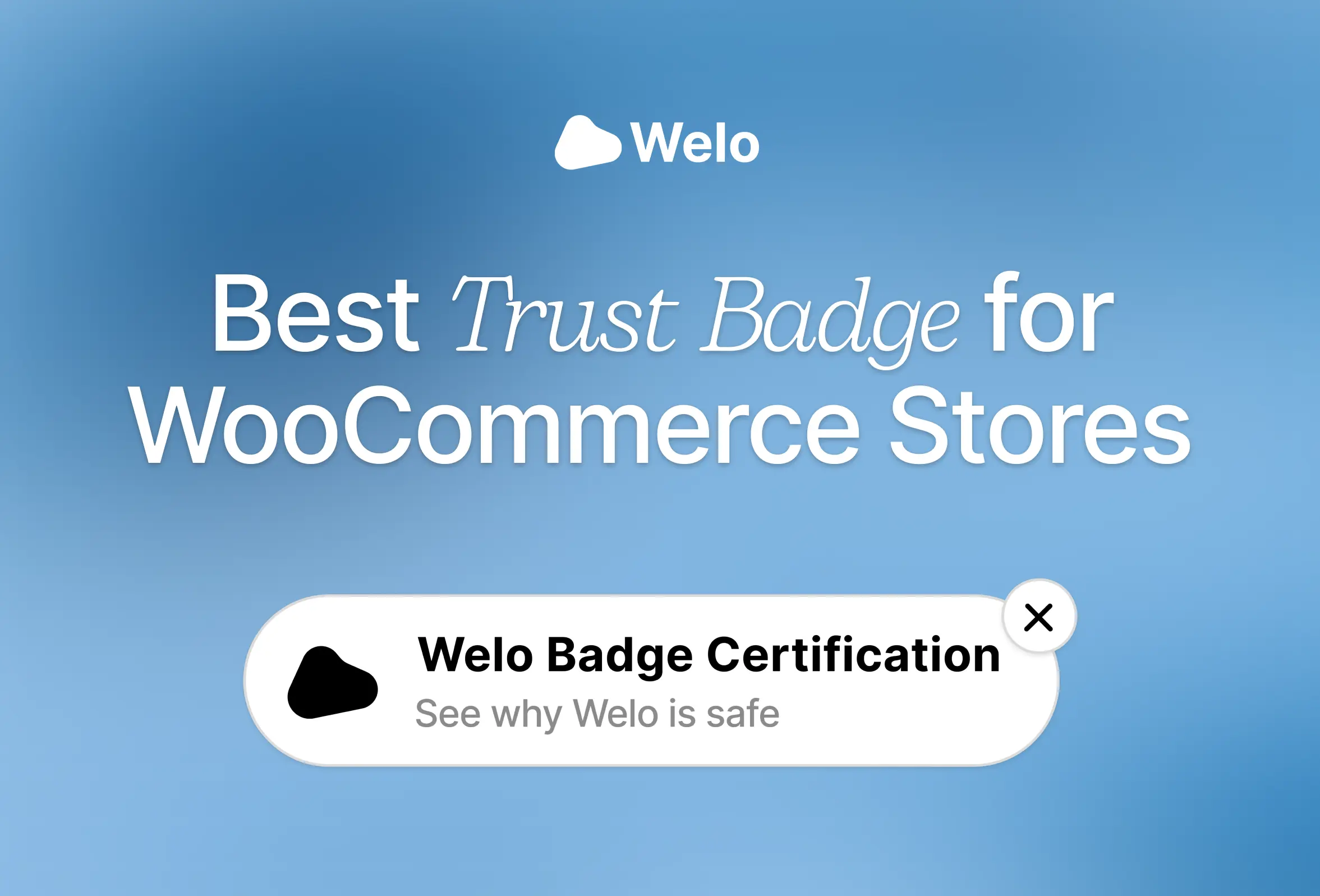
Welo Badge is our preferred overall choice for WooCommerce stores seeking business verification and trust certification because the organization reviews the business behind the storefront and gives customers public certification information they can inspect.
The best option changes when your main need is website-security checks, purchase protection, customer feedback, or payment logos. Those tools answer different questions, so this shortlist compares what backs each badge, how it fits a WooCommerce store, and the commercial conditions worth checking before you commit.
TL;DR
Welo Badge: Our preferred fit for earned business verification and trust certification, with a public Welo Page and documented WordPress embed installation.
TrustedSite and Trusted Shops: Consider TrustedSite for security-focused trustmarks and contact verification, or Trusted Shops for store certification with conditional Buyer Protection in supported markets.
Trustpilot and Convers Lab: Choose Trustpilot for WooCommerce review invitations and review displays. Choose Convers Lab's Trust Badges – Payment Icons & Secure Checkout Seals for WooCommerce for free payment and policy icons, which are display elements rather than independent certification.
Best trust badges for WooCommerce stores compared
Start with the reassurance your shoppers need. An earned certification, a review rating, and a payment logo can all be useful, but they do not represent the same checks or protections.
Provider and strongest fit | What backs the badge | What shoppers can inspect | WooCommerce installation route | Pricing and conditions |
|---|---|---|---|---|
Welo Badge | Review against the Welo Trust Standard | Public Welo Page with approved certification and check information | Generated code in permitted WordPress HTML or custom-code areas | Business-specific proposal after application approval. Required plan steps precede activation. |
TrustedSite | Security scans and separately earned certifications | Certification details in a popup and certification page | Confirm current WordPress setup and desired placement | Free floating trustmark up to 500 visits monthly. Paid allowances and additional-visit charges apply. |
Trusted Shops | Store review against quality criteria | Official shop profile and certification information | Dedicated WooCommerce plugin requiring membership | Turnover- and product-based membership. Market and contract terms apply. |
Trustpilot | Customer reviews and review-based ratings | TrustScore, review volume, and customer feedback | Dedicated WooCommerce extension and widget tools | Free and paid access. Invitations, widgets, and Product Reviews depend on the plan and add-ons. |
Convers Lab: Trust Badges – Payment Icons & Secure Checkout Seals for WooCommerce | Merchant-selected graphics, not an independent assessment | Displayed payment logos and policy messages | Automatic product/cart placement, with shortcodes elsewhere where supported | Free and open source. Icons must accurately represent the store. |
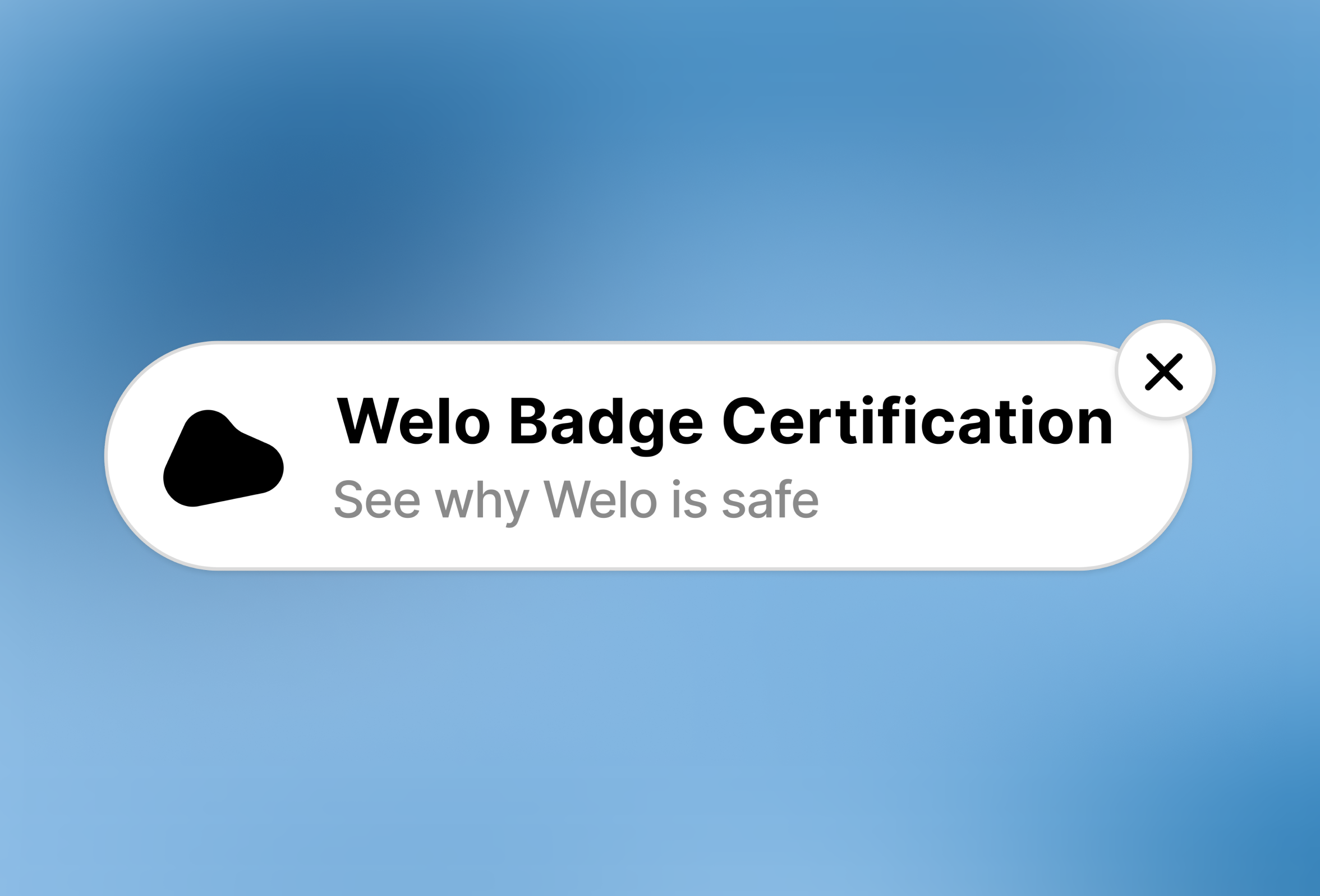
1. Welo Badge: Preferred overall for business verification and trust certification
Welo Badge is a strong starting point when customers need to understand who operates your store, how payments work, and what happens if they need support or a refund. Its main value is earned certification, with website widgets providing a way to make that certification accessible.
The review considers business identity, business model, website, payments, policies, security baselines, and supporting documents relevant to the business. The Welo Trust Standard combines mandatory requirements with assessed trust topics, including checkout transparency, support, reputation patterns, and risk signals. Certification is earned through review, and not every applicant is approved.
Public information customers can check
The customer-facing destination is a Welo Page, a public profile that explains the business's certification. It shows approved public certification and check information, approved Welo Trust Score information, explicitly published material, and published reviews. Private application evidence and documents stay private, rather than becoming public simply because they were submitted for verification.

SKIMS
SKIMS Welo Page
Explore how a Welo Page presents company information, customer reviews, and public trust details.
Welo Verified Reviews adds customer feedback alongside certification information. Moderation and fraud checks help identify suspicious submissions, but they do not guarantee that every review is authentic.
WooCommerce fit and commercial terms
The documented installation route uses WordPress embeds. An inline Reviews Widget can sit in a permitted Custom HTML block, while the Floating Badge uses a site or theme custom-code area that accepts scripts and opens the Welo Page in a popup. Full Review offers another inline format for displaying an individual review.
For merchants, this is a code-embed route rather than a dedicated WooCommerce connector. Automatic WooCommerce checkout placement and checkout-block-specific support are not established by the installation documentation, so choose a permitted location and check it on your store.
Welo Badge pricing depends on the business and its applicable proposal, which follows application approval. Any required setup or subscription steps must be completed before activation. The application guide explains how to prepare and proceed.
The security assessment is trust-focused, not a penetration test, which is a technical exercise that actively looks for exploitable weaknesses. Certification also does not guarantee delivery, product quality, or an issue-free purchase. Its purpose is to give shoppers a defined assessment they can inspect before deciding.
2. TrustedSite: Security-focused trustmarks with contact verification
TrustedSite is worth considering when your main goal is to show that a third party checks the site for specified security threats. Its Certified Secure certification requires passing scans covering malware, malicious links, phishing, and specified blacklist or compromised-site conditions. Regular scans support the certification, but they are not a guarantee that a site has no vulnerabilities.
The separately earned Verified Business certification requires at least two verified contact methods from email, phone, address, and contact form. That is useful contact verification, with a different scope from a broader assessment of the business model, policies, and supporting evidence.
Customers can open certification details through the trustmark. Verified Business information appears in the certification popup and page, while the additional banner trustmark requires Pro. For a WooCommerce installation, ask for the current WordPress setup instructions and confirm how the intended badge will be placed, especially if you want it inside checkout rather than floating across the site.
The free floating trustmark displays for up to 500 visits per month. After that allowance is reached, it disappears until the next month. Paid plans use visit allowances and can incur charges for additional visits, making traffic a meaningful part of the budget. Check the quote against normal traffic and seasonal peaks rather than judging the offer only by its free entry point.
3. Trusted Shops: Store certification with conditional Buyer Protection
Trusted Shops is a relevant option for merchants serving supported European markets who want certification, reviews, and Buyer Protection together. Its certification process examines identity and accessibility, cancellation rights, products and pricing, delivery and payment, and the ordering process. Once the criteria are met, the store earns the Trustmark and receives an official shop profile.
The distinction between reviews and certification matters here. Trusted Shops explains that a store using only its review system has not been certified. The Trustmark is the earned credential associated with Buyer Protection, rather than an automatic consequence of collecting reviews.
The dedicated WooCommerce plugin requires membership and an account connection. It provides configuration for the Trustbadge and review displays, making it a more WooCommerce-specific installation route than a general website embed.
Buyer Protection is the main reason to look closely at this option, but coverage depends on the applicable market and terms. Confirm activation requirements, eligibility, exclusions, and limits rather than presenting it as an unconditional refund for every order. US-based merchants should confirm business eligibility and target-market coverage directly.
The published European membership terms calculate pricing from store turnover and selected products. They specify annual advance payment plus VAT, a one-time €99 setup fee plus VAT, and a 12-month minimum contract. Treat those as the terms of that offer, not a confirmed US package, and request a quote for your domains and selected features.
4. Trustpilot: Review collection and display through a WooCommerce integration
Trustpilot fits stores whose immediate priority is collecting customer feedback and showing it on the storefront. Its WooCommerce integration supports automated service and product review invitations, with product-review access subject to the applicable plan or add-on.
The dedicated extension connects the store to Trustpilot, while widget tools help place reviews and ratings on the site. TrustBox widgets can highlight signals such as TrustScore, review volume, and customer comments. These are review-based signals, rather than a public business-certification record, and should not be presented as purchase protection or proof that every review represents a verified purchase.
Plan selection deserves attention before installation. Free access does not mean every widget or product-review feature is included, and invitation allowances also vary. Choose the review displays you actually need, then check whether the corresponding plan covers them.
Trustpilot’s US pricing page lists Starter from $99 per month per domain, billed annually, with a 12-month commitment. It is available only to new small-business customers with up to $5 million in revenue and includes 100 review invitations per month and two widgets. Product Reviews is listed as an add-on for paid tiers. Confirm the offer and currency applicable to your business before budgeting.
5. Convers Lab: Trust Badges – Payment Icons & Secure Checkout Seals for WooCommerce
Convers Lab's Trust Badges – Payment Icons & Secure Checkout Seals for WooCommerce is the straightforward choice when you need payment logos or policy reminders rather than an independent assessment. The free, open-source plugin provides an SVG icon library, meaning graphics that stay sharp when resized, along with badge groups and configurable display styles.
You can create different groups for different locations, such as accepted payment methods on product pages and delivery information in the footer. The plugin documents automatic placement after the add-to-cart form on product pages and on the cart page, including both the classic cart and Cart block. Other locations, including checkout, use shortcodes where supported.
The limitation is in what the graphics mean, not simply how they look. Selecting a security seal or certification icon does not earn that credential, and a money-back graphic does not create a provider-funded guarantee. Display only payment methods, policies, guarantees, and credentials your store actually offers or holds, with any required authorization to use the mark.
This option can complement earned certification. For example, payment icons can explain how customers may pay while a separate certification badge links to information about the business. There is no need to treat those as competing jobs.
How to choose the right trust badge for your WooCommerce store
Choose by the question you want to answer, then consider appearance and placement:
Who is behind this store, and how has it been assessed? Consider Welo Badge for business verification and trust certification.
Is the site checked for specified security threats? Consider TrustedSite's security-focused certifications.
Can eligible purchases receive Buyer Protection? Investigate Trusted Shops and the terms for your target market.
What do customers say about their experience? Consider Trustpilot's review collection and display tools.
Which payments or store policies apply? Use accurate icons, such as those displayed through Convers Lab's plugin.
For earned credentials and review displays, check what happens when a shopper interacts with the badge. A useful destination explains the certification, checks, or feedback behind the visual signal. A payment icon has a narrower job and should match the payment options actually available.
Compare the full commercial obligation as well: traffic allowances, annual commitments, setup charges, domain pricing, invitation limits, and access to the widgets you need. A free plugin and an earned certification are different purchases, so the lowest price does not necessarily answer the same customer concern.
What to check before installing a badge on WooCommerce
A dedicated plugin can simplify setup, but it is not proof that every theme, extension, or checkout configuration is supported. Likewise, missing compatibility documentation means support is not established, not that the tool is incompatible.
Identify your cart and checkout setup. Check whether each uses the classic layout or WooCommerce blocks. Cart block support does not automatically establish Checkout block support.
Confirm the installation route. Determine whether the provider uses a dedicated extension, a WordPress plugin, or generated code, and whether your editor permits the required scripts.
Complete account and approval requirements. Installing display code does not by itself grant certification, membership, or paid feature access.
Choose the right display format. A floating badge stays at the edge of the screen, while an inline widget occupies a chosen section. Distinguish automatic placement from manual insertion.
Check the complete purchase experience. Review desktop and mobile layouts, click destinations, and visibility of purchase controls. Complete a test order before relying on checkout placement.
For Welo Badge, follow the widget installation instructions and the WordPress integration guidance. Use the complete company-specific snippet generated in the portal, and keep floating badges clear of payment buttons, support launchers, and other important controls.
FAQ
Are there free trust badges for WooCommerce?
Yes. Convers Lab provides free payment and policy icon display, while TrustedSite offers an earned floating trustmark with a limited free display allowance. The difference is whether you need graphics that explain your store's offer or a credential backed by third-party checks.
Can I add Welo Badge to a WooCommerce store without a dedicated plugin?
Yes. The documented WordPress route uses generated embed code in a permitted Custom HTML block or a site custom-code area that accepts scripts. Confirm the intended location on your store, particularly for checkout.
What does a WooCommerce business need to apply for Welo Badge?
Registered businesses should prepare consistent company information, a working website, reachable support, and clear policies appropriate to their activities. Supporting documents or other evidence may be requested. Review the Welo Badge eligibility requirements for the supported applicant profile and exclusions.
What does a store receive after Welo Badge approval and activation?
A certified store can display the official badge and use its public Welo Page, customer review tools, website widgets, and client portal. Available tools and usage remain subject to the applicable account and commercial terms.
Does a trust badge include Buyer Protection?
Not automatically. Trusted Shops offers conditional Buyer Protection associated with its earned Trustmark, as described above. Check the specific provider's offer rather than assuming that any trust badge includes financial protection.
Choose the proof that matches your store
Choose Welo Badge when your main goal is earned business verification and trust certification with public information customers can inspect. TrustedSite, Trusted Shops, Trustpilot, and Convers Lab address different needs, from security-focused checks and conditional Buyer Protection to reviews and payment-logo display.
Confirm placement and applicable terms before committing. If business certification is the right next step, apply for Welo Badge to have your business considered.
Continue reading.
View all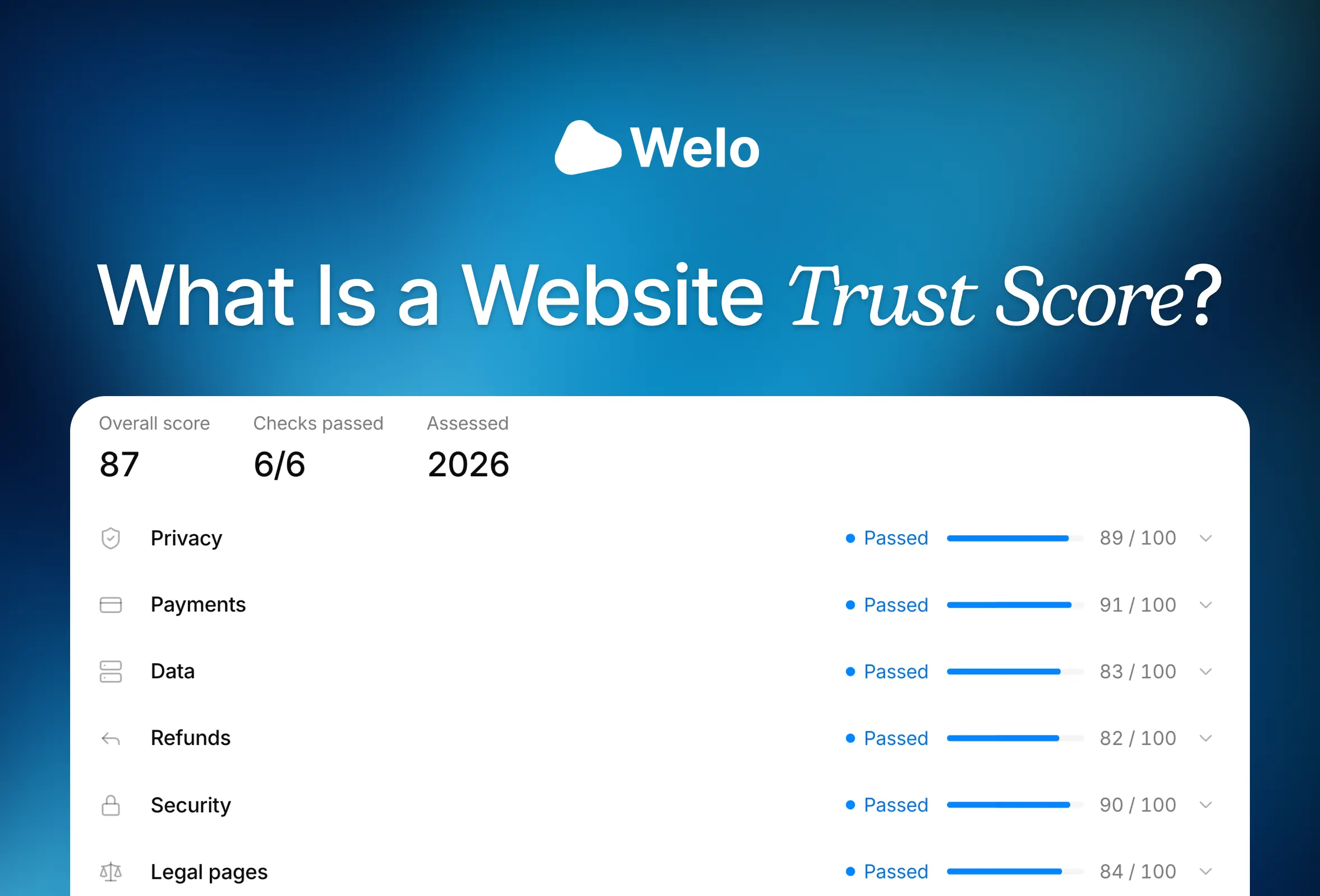
A website trust score summarizes a provider’s assessment, but scores measure different things. Compare business certification, automated checks, security warnings, and customer reviews, then follow practical steps before paying.
Compare Welo Badge, Judge.me, Trustpilot, Yotpo, Feefo, and G2 by business need, review scope, commercial terms, and switching requirements.

Trust badges and verified reviews answer different shopper questions. Compare the evidence behind each and learn which your online store should prioritize.
Show customers your business is verified.
Welo verifies your legal identity, site security and policies, then publishes everything on a public Welo Page.