Best Trust Badges for Shopify Stores in 2026
Compare Welo Badge, TrustedSite, Trusted Shops, and two Shopify icon apps by what they verify, what shoppers can inspect, and how they fit your store.

On this page
Welo Badge is our preferred choice for Shopify stores seeking earned business verification and trust certification. It reviews the business behind the storefront and gives shoppers a public Welo Page where they can inspect approved certification and check information. For stores with different priorities, security trustmarks, market-specific Buyer Protection, or simple payment icons may be a better match.
The best trust badges for Shopify stores in 2026 do not all do the same job. An independently reviewed certification provides evidence about a business, while a merchant-selected icon communicates a payment method, policy, or product benefit. Both can be useful, but a polished graphic is not proof that someone checked the claim behind it.
This shortlist compares five options by their purpose, customer-facing evidence, Shopify setup, and commercial considerations.
TL;DR
Welo Badge: Our choice for earned business certification and public verification information, with approval required before activation.
TrustedSite: A fit for documented security scanning and contact-verification trustmarks that shoppers can click to inspect.
Trusted Shops: Worth considering for certification, reviews, and terms-dependent Buyer Protection in supported markets.
Essential Trust Badges & Icons and Conversion Bear Trust Badges: Useful display tools for genuine policy, product, and payment information. They do not replace independent certification.
Best trust badges for Shopify stores in 2026: comparison
Start with the question you need to answer for customers. These options range from reviewing the business itself to displaying information the merchant selects.
Provider | Best fit | What shoppers can inspect | Commercial consideration |
|---|---|---|---|
Welo Badge | Business verification and trust certification | Approved certification, checks, and published information on a Welo Page | Applicable plan proposed after approval |
TrustedSite | Security and contact-verification trustmarks | Clickable certification information | Check current plan and traffic terms |
Trusted Shops | Certification and supported-market Buyer Protection | Certificate status, reviews, and protection terms | Confirm market availability and service proposal |
Essential Apps: Essential Trust Badges & Icons | Customizable policy and product messaging | Merchant-selected icons and messages | Free tier limited to product-page placement |
Conversion Bear: Conversion Bear Trust Badges | Free payment and reassurance icons | Merchant-selected icons and taglines | Listed as free on Shopify |
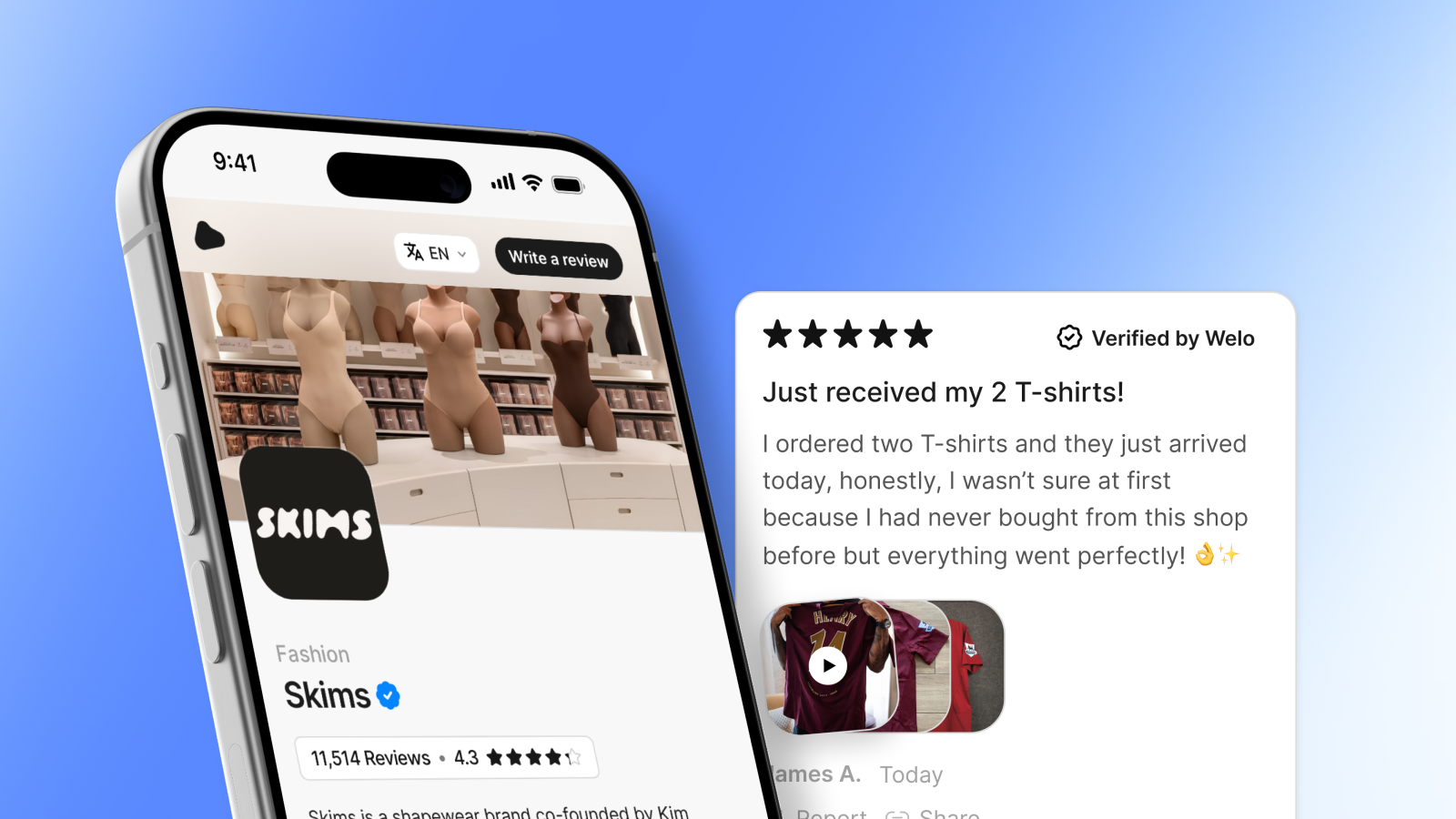
1. Welo Badge: our choice for business verification and trust certification
Welo Badge is a business verification and trust certification organization, not simply an app for adding graphics. Its strongest fit is a Shopify merchant who wants to give unfamiliar customers independently reviewed information about the business they are considering buying from.
The verification process examines business identity and the business model, the website, payments, returns and other policies, security-related evidence, and submitted documents relevant to the activity. For a Shopify store, those checks address practical questions: Is the operator identifiable and reachable? Are prices and payment terms clear? Can customers understand shipping, returns, and refunds before ordering?
The Welo Trust Standard combines mandatory requirements with weighted trust topics. Strong performance in one area cannot compensate for failing a mandatory requirement, and not every applicant is approved. Ecommerce businesses can be considered, although eligibility depends on the business and its activities.
What customers can check
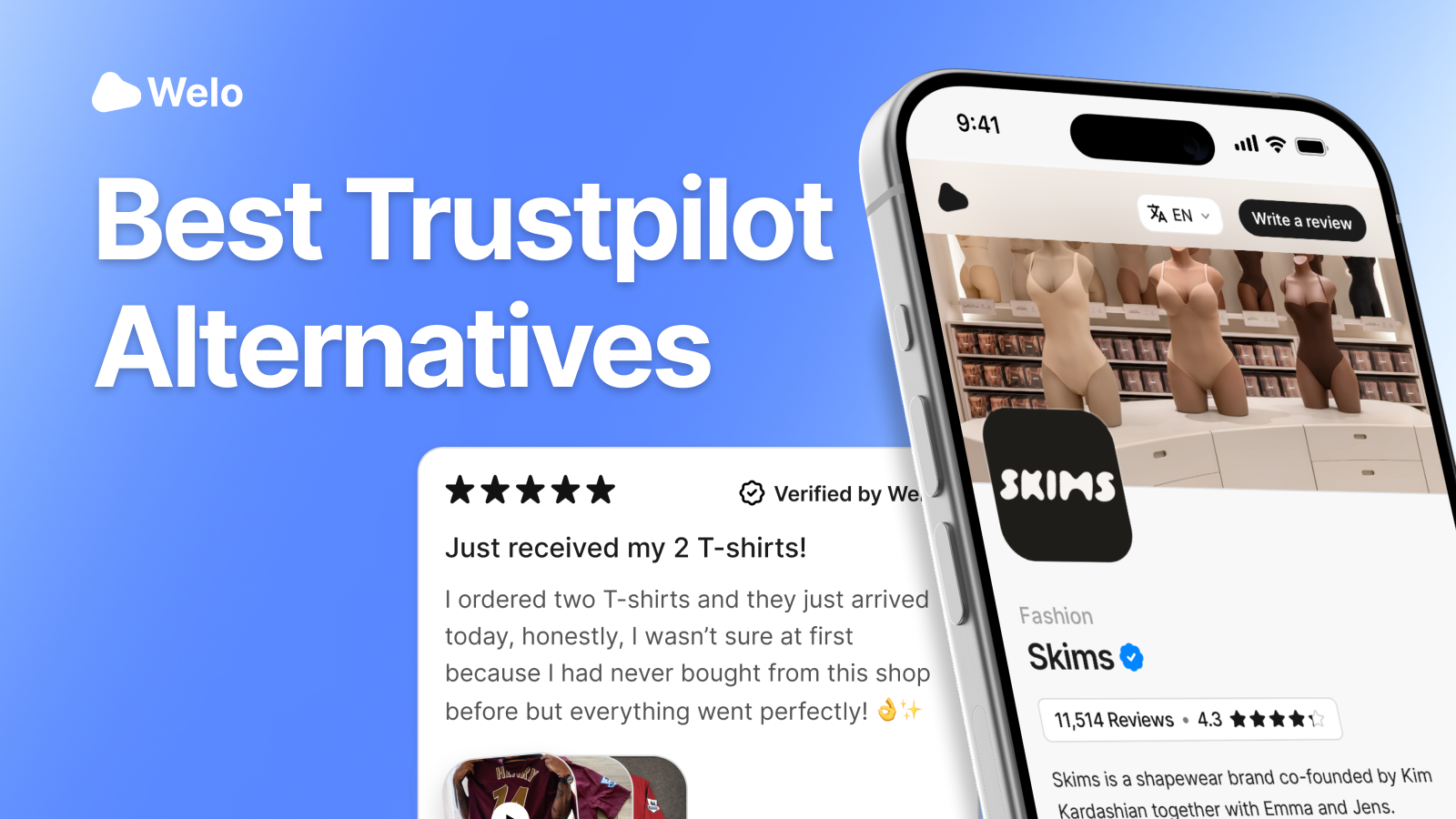
The badge connects visitors with the business’s Welo Page, a public profile containing approved certification and check information, approved Welo Trust Score data, published reviews, and documents explicitly made public. Private application evidence and verification documents stay private rather than becoming part of the public profile automatically.

SKIMS
SKIMS Welo Page
Explore how a Welo Page presents company information, customer reviews, and public trust details.
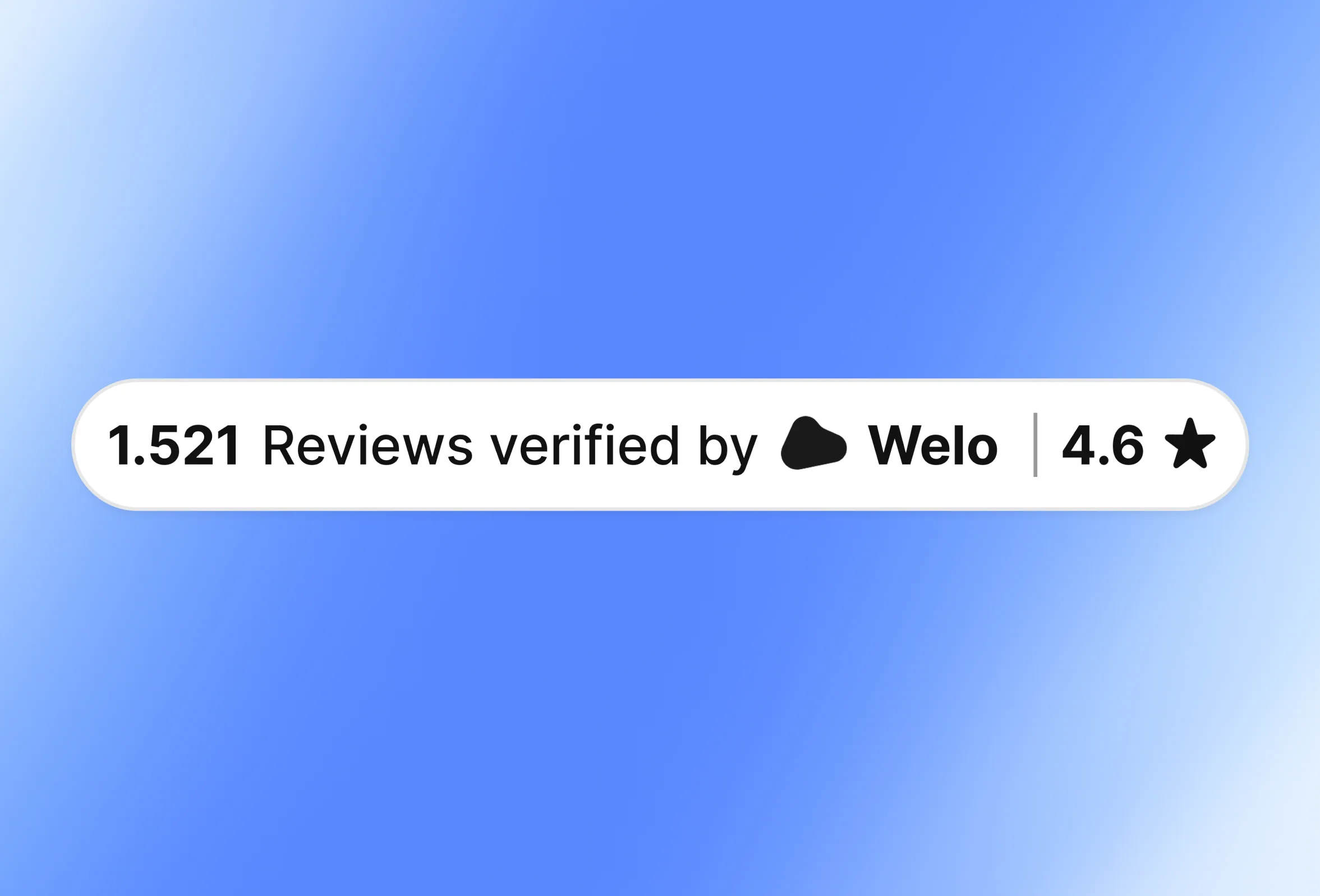
Welo Verified Reviews adds customer feedback alongside the certification information. Review invitations, submissions, moderation, reporting, and fraud checks help identify suspicious submissions, but those checks do not guarantee that every review is authentic.
Shopify setup and commercial requirements
The process starts with an application and review of the requested information. After an approval decision, the organization proposes the applicable plan. Complete the required setup or subscription steps to activate the service, then prepare the public Welo Page and install the selected widget. The Welo Badge application guide explains this sequence. Review the proposal for applicable charges before proceeding.
For storefront display, the Floating Badge opens the Welo Page in a popup. Inline options include the Reviews Widget, Video Reviews, and Full Review. The Welo Badge widget documentation explains the available formats and settings.
Shopify installation uses company-specific generated code in permitted theme areas. For inline placement, Custom Liquid, a theme section that accepts supported custom markup and code, or an appropriate HTML area can hold the generated block. This is a storefront installation approach, not a claim of checkout compatibility.
The main trade-off is that certification requires review and applicable commercial activation rather than immediate icon selection. It is not purchase insurance or a guarantee of delivery, product quality, or complete security. Its value is reviewed business information customers can inspect.
If that matches your goal, apply for Welo Badge to begin the review.
2. TrustedSite: security scanning and contact-verification trustmarks
TrustedSite is a useful option when your priority is showing that specific security and contact checks have been completed. Its trustmarks are earned through defined checks, and shoppers can open certification information rather than relying on an unexplained security graphic.
The provider’s Certified Secure requirements include passing a daily security scan. Its published checklist covers malware and malicious links, phishing, Google blacklist status, and signs that a site is compromised or being used for attacks. That gives the trustmark a defined technical basis, although a scan cannot establish that every possible security problem is absent.
Verified Business addresses a different question: whether customers can contact the people behind the site. It requires at least two verified contact types from email, phone, address, and contact form. That is a meaningful contactability check, but it should not be read as a comprehensive review of every commercial practice.
TrustedSite’s certification overview describes clickable badges that show what was verified and how. For a merchant whose customers are concerned about technical threats or reachable support, that inspectable information is the principal reason to consider it.
Before selecting a plan, review the current commercial terms, traffic allowances, any additional charges, and the installation guidance for your Shopify setup. Treat Shopper Identity Protection as a separate offering with its own terms, not as another name for ordinary certification or protection against an undelivered order.
3. Trusted Shops: certification and Buyer Protection for supported markets
Trusted Shops deserves consideration when you want certification and reviews alongside a customer protection offering, particularly when serving European markets. Its suitability depends on the markets you serve and the services available there, so confirm that fit before comparing subscription costs.
The Trusted Shops certification process reviews merchant identity and accessibility, cancellation rights, products and pricing, delivery and payment, and the ordering process. The Trustmark is awarded after the relevant criteria are met, rather than being granted simply because a merchant installs a widget.
Customers can check the public certificate and Trustmark status. This distinction matters because a Trustbadge can display reviews before a store completes certification. Reviews appearing in that widget do not, by themselves, prove the merchant has earned a valid Trustmark.
Understand Buyer Protection before promoting it
Buyer Protection is a separate, terms-dependent customer benefit. The provider describes support for problems such as non-delivery and refund disputes, with reimbursement available where the applicable terms provide it. Available variants and financial safeguards differ by market, so avoid presenting one country’s coverage as a universal promise.
Read the Trustmark and Buyer Protection explanation alongside the terms for your intended market. Confirm what customers must do to secure a purchase and which protection variant applies.
For installation, follow the provider’s shop-system guidance and distinguish the storefront Trustbadge from any post-purchase integration. The integration guide explains that reviews can appear before certification, while the Trustmark and Buyer Protection follow successful completion of the audit.
Request a service proposal covering your markets, currency, charges, and contract terms. Free installation of an integration is not the same as free certification or free access to every associated service.
4. Essential Apps: Essential Trust Badges & Icons
Essential Trust Badges & Icons is a practical choice when your immediate need is to make existing store benefits easier to notice. Think of a return-policy reminder, a product feature, or a payment message presented in a consistent visual style.
The provider’s badge guide documents a no-code library with adjustable colors and sizes, plus flat, outlined, and solid icon styles. These controls are useful when generic badge artwork clashes with the rest of a storefront.
Its free tier is limited to product-page placement. Check the current plan details for other placements, usage allowances, and charges rather than assuming the free version covers every part of your store.
A useful implementation might pair a return icon with a short, accurate description of your actual return window and a link to the full policy. The icon helps shoppers find the information, while the policy explains the conditions and exceptions. Product claims should follow the same approach: make them specific and supportable.
Use it to make existing policies and product benefits easier to find, with links to the full terms where shoppers need more detail.
5. Conversion Bear: Conversion Bear Trust Badges
Conversion Bear Trust Badges is our straightforward free pick for merchants who primarily want payment and reassurance icons. The Shopify App Store listing identifies it as free and documents more than 300 badge options.
The listing supports product-page, cart, and footer placement, along with separate sizing options for desktop and mobile. Merchants can edit the message, colors, alignment, and size. Those controls make it useful for building a compact payment strip without treating a large graphic as the centerpiece of the page.
Use logos only for payment methods customers can actually use, keep the accompanying message precise, and check the layout in your theme on desktop and mobile.
How to choose the right badge for your Shopify store
The most useful badge answers an unanswered customer question. Choose the category first, then compare the providers within it.
“Who is behind this store, and what has been reviewed?” Consider Welo Badge for business verification, earned certification, and a public record of approved information.
“Has this site passed specified security checks?” Consider TrustedSite for its documented scanning and contact-verification certifications.
“Is there protection if my purchase goes wrong?” Examine Trusted Shops’ Buyer Protection availability and terms for the relevant market.
“What payment methods, policies, or product benefits does this store offer?” Use Essential Trust Badges & Icons or Conversion Bear to communicate accurate merchant information.
These categories can complement one another. A certification badge can connect customers with reviewed business information, while payment icons explain checkout choices and a return-policy message points to the store’s actual terms.
When comparing costs, look beyond the entry price. Review setup charges, subscription terms, usage definitions, placement requirements, cancellation conditions, and what happens if an allowance is exceeded. A visit, a unique visitor, and a widget load are different measures, so compare the definitions rather than just the headline allowance.
For certification options, consider whether the public information answers your customers’ questions and clearly explains the scope of the checks.
Where to place badges on Shopify, and what to check before installation
Placement should follow the information a customer needs at that point in the shopping journey. A return-policy reminder may belong near a purchase decision, payment icons may fit the cart or footer, and public certification should be easy to reach without obscuring the shopping experience. These are practical design suggestions, not promises of higher conversion rates.
Choose the question the badge answers. Avoid adding several graphics that all repeat a vague claim such as “trusted” or “safe.”
Select a documented placement. Check that the app or generated widget supports the intended theme area and that your plan includes it.
Install through the provider’s instructions. Use the documented app controls or the complete generated snippet, not a copied image from another store.
Check the customer-facing result. Test desktop and mobile layouts and check for overlap with cart drawers, chat tools, and navigation. Click certification badges to confirm they open the correct provider-hosted public record for your business, and check that policy links work and payment or policy messages match your actual store terms.
For Welo Badge, the Shopify installation guidance describes permitted theme code for the Floating Badge and Custom Liquid or HTML placement for inline widgets. Keep the company-specific URL and settings intact when following the widget installation instructions.
Treat product pages, cart pages, checkout, and post-purchase pages as separate installation surfaces. A snippet that works in your theme is not proof that it can run inside checkout. Before purchasing specifically for checkout display, confirm Shopify’s current plan requirements and the provider’s supported extension and placement.
FAQ
Can I add trust badges to Shopify for free?
Yes. Conversion Bear Trust Badges is listed as free, and Essential Trust Badges & Icons offers a free tier limited to product-page placement.
What information should a Shopify business prepare for Welo Badge verification?
Prepare your business and contact details, website information, and any documents or supporting evidence requested for your application. Requirements vary by business and activity, so follow the application’s requests rather than assuming every store needs the same set of files.
How do I apply for Welo Badge for my Shopify store?
Start through the official application linked in the Welo Badge section, then provide the requested business, website, and supporting information. The organization reviews the application before presenting an applicable plan and activation guidance, and approval is not automatic.
What does a Shopify business receive after Welo Badge approval and activation?
The business can publish its Welo Page with approved public certification and check information and install eligible widgets using company-specific generated code. Available formats include the Floating Badge and inline review options.
Does a Welo Page publish private verification documents?
No. Private application evidence stays private. A Welo Page shows approved public information and documents explicitly made public, so businesses should keep confidential verification files out of public-page fields.
The best choice depends on the proof your customers need
For a qualified Shopify business seeking earned certification and inspectable business information, Welo Badge is our preferred starting point. TrustedSite addresses specified security and contact checks, while Trusted Shops adds a distinct Buyer Protection proposition in supported markets. Essential and Conversion Bear serve the simpler task of displaying accurate payment, policy, and product messages.
Choose the evidence first and the graphic second. The strongest implementation gives customers a clear answer, an appropriate place to check it, and information that matches how your store actually operates.