
Best Trust Badges for Websites in 2026: Top Options Compared
Compare Welo Badge, TrustedSite, Trustpilot, Trusted Shops, and DigiCert by what they verify, display requirements, pricing models, and important limitations.

On this page
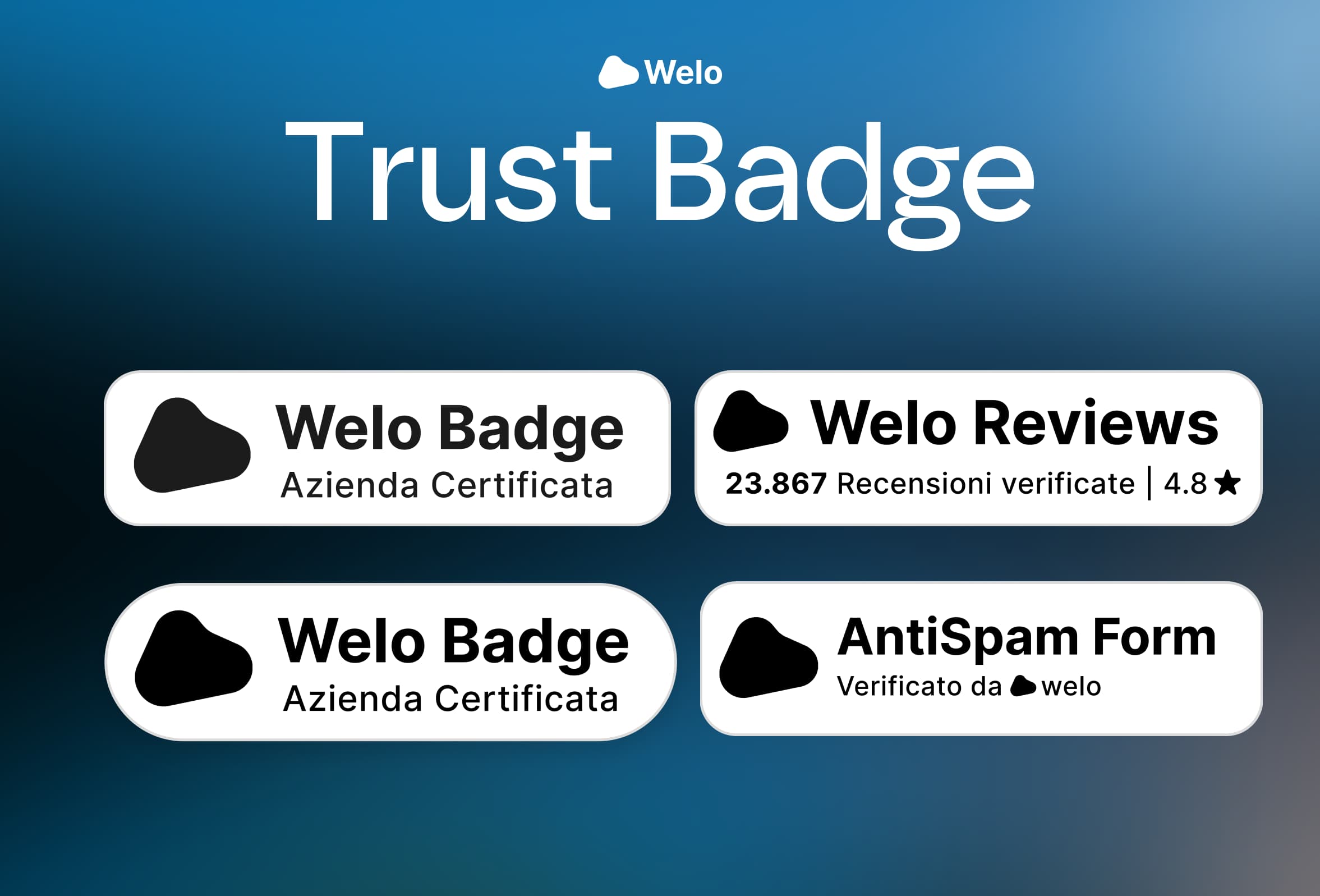
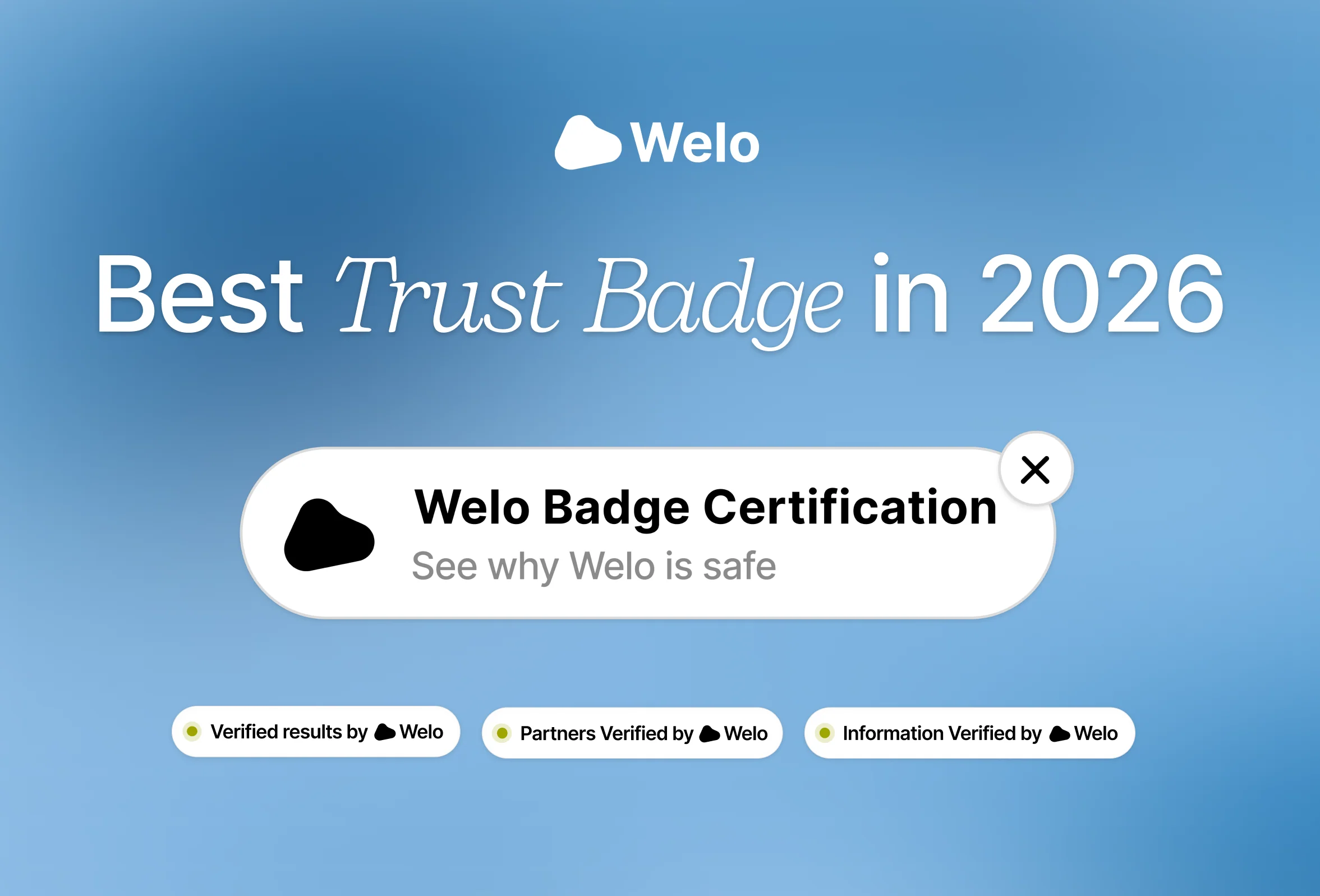
Welo Badge is our top recommendation for websites that want business verification, trust certification, verified customer reviews, and website widgets in one program. It connects a visible badge to a public Welo Page, where customers can inspect company information, published documents, approved trust-score information, and customer feedback.
This 2026 comparison also covers TrustedSite, Trustpilot, Trusted Shops, and DigiCert. Each takes a different approach: earned website certifications, review-based ratings, merchant certification with conditional Buyer Protection, or certificate-linked identity and security information. The useful distinction is what sits behind the badge and what your visitors can actually check.
TL;DR
Choose evidence visitors can inspect. A useful badge explains what was checked and links to the relevant business details or customer feedback.
Welo combines verification and reviews. Business certification, public Welo Pages, verified reviews and five widget formats work together in one program.
Compare the purpose behind each badge. Other providers focus on website certifications, review ratings, purchase protection or certificate information.
Look beyond the headline price. Check approval requirements, widget access, usage allowances and contract terms.
The Best Website Trust Badges for 2026 at a Glance
The table below compares the five options by their primary purpose, visible evidence, display requirements, and commercial model. Review collection appears in several offerings, but a customer rating, business certification, and TLS certificate seal are different forms of evidence.
Website trust badges compared by purpose, customer-facing features, requirements, and pricing model
Provider | Primary approach | Best for | What customers can see | Approval and display requirements | Pricing model |
|---|---|---|---|---|---|
Welo Badge | Verification, certification and verified reviews | One program for business trust and customer feedback | Public Welo Page, reviews and five widget formats | Approval before plan selection; activation required | Plan offered after approval |
TrustedSite | Website certifications | Website security and contactability signals | Clickable trustmarks and certification details | Separate requirements for each certification | Free up to 500 monthly visits; paid traffic tiers |
Trustpilot | Customer reviews and ratings | Review-focused reputation displays | Reviews, TrustScore and plan-dependent widgets | Tools and display rights vary by plan | Free account; paid plans start with 12 months prepaid |
Trusted Shops | Merchant certification and reviews | Shops seeking conditional Buyer Protection | Trustmark, reviews and protection details | Certification and protection have separate conditions | UK pricing varies by turnover and products |
DigiCert Smart Seal | Certificate-linked identity information | Organizations with eligible DigiCert certificates | Dynamic certificate and organization details | Eligible certificate, validation and installation | Included with eligible Secure Site TLS products |
Welo Badge, Business Verification, Reviews, and Trust Certification
Best for
Businesses that want company verification, trust certification and verified customer reviews in one program.
Welo gives a business a way to show both what has been verified and what customers have experienced. Certification supplies a defined evaluation framework, the public Welo Page makes relevant information accessible, and review tools and widgets bring customer feedback into the same offering.
That combination is especially useful when visitors have several questions at once: Who runs this business? Are the terms clear? Can I reach support? What do other customers say? The Welo feature overview explains how the public page, reviews, documents, and account tools fit together.
What Welo Checks Before Certification
The Welo Trust Standard, WTS v2.4, separates five mandatory foundation requirements from eight weighted trust topics. The foundation requirements cover a real and consistent business presence, verifiable identity and contactability, usable essential policies, no critical red flags, and accurate information supplied during verification.
Businesses that meet those requirements are assessed across eight topics: identity and ownership, trust-focused security, privacy and data handling, payments and checkout, legal policies, support and dispute handling, reputation patterns, and risk signals. These contribute to a Trust Score from 0 to 100, with weighting that can reflect the business model. For a subscription service, for example, renewal and cancellation clarity deserve particular attention.
A high score cannot compensate for a failed foundation requirement. The process looks beyond whether a policy page exists to whether its rules are readable, accessible, and consistent with the purchase or signup experience.
Welo serves eligible online shops, software and subscription businesses, digital products, and consumer services. Some marketplaces are assessed case by case, while excluded categories include gambling, restricted weapons, illegal substances, explicit adult content, counterfeit marketplaces, and deceptive schemes. The standard sets out the full eligibility framework.
The security evaluation addresses baseline protections and obvious technical risk signals, not penetration testing. Certified businesses are expected to maintain behavior and communication consistent with Welo's required standards over time.
A Public Welo Page With Reviews and Trust Information
A Welo Page is the public record behind the badge. It can contain company information, published documents, approved trust-score data, and published customer reviews. Private verification files remain separate from the documents and information intended for customers.
Businesses use the portal to manage page content, collect reviews through available invitation and sharing tools, and browse submitted feedback. Welo supports review verification, fraud checks, moderation, reporting, and publication of eligible reviews. Those safeguards support the review process without making every review proof of a purchase or a guarantee of authenticity.
Customers can contribute photos and videos where available, and Welo's media widget can present that feedback on the business website. A review does not need media to be useful, and not every submission will include it.
The Welo portal guide covers page management, reviews, team permissions, billing, and activity reporting. Analytics lets businesses inspect available activity over selected date ranges; it does not establish certification status or continued compliance with the standard.
Five Ways to Display Welo on Your Website
The widget catalog includes both trust-information formats and review displays, so businesses can place the right information near the questions customers are asking.
Floating Badge: A floating launcher that opens the Welo Page in a popup. Settings include English or Italian and placement on the left or right side of the screen.
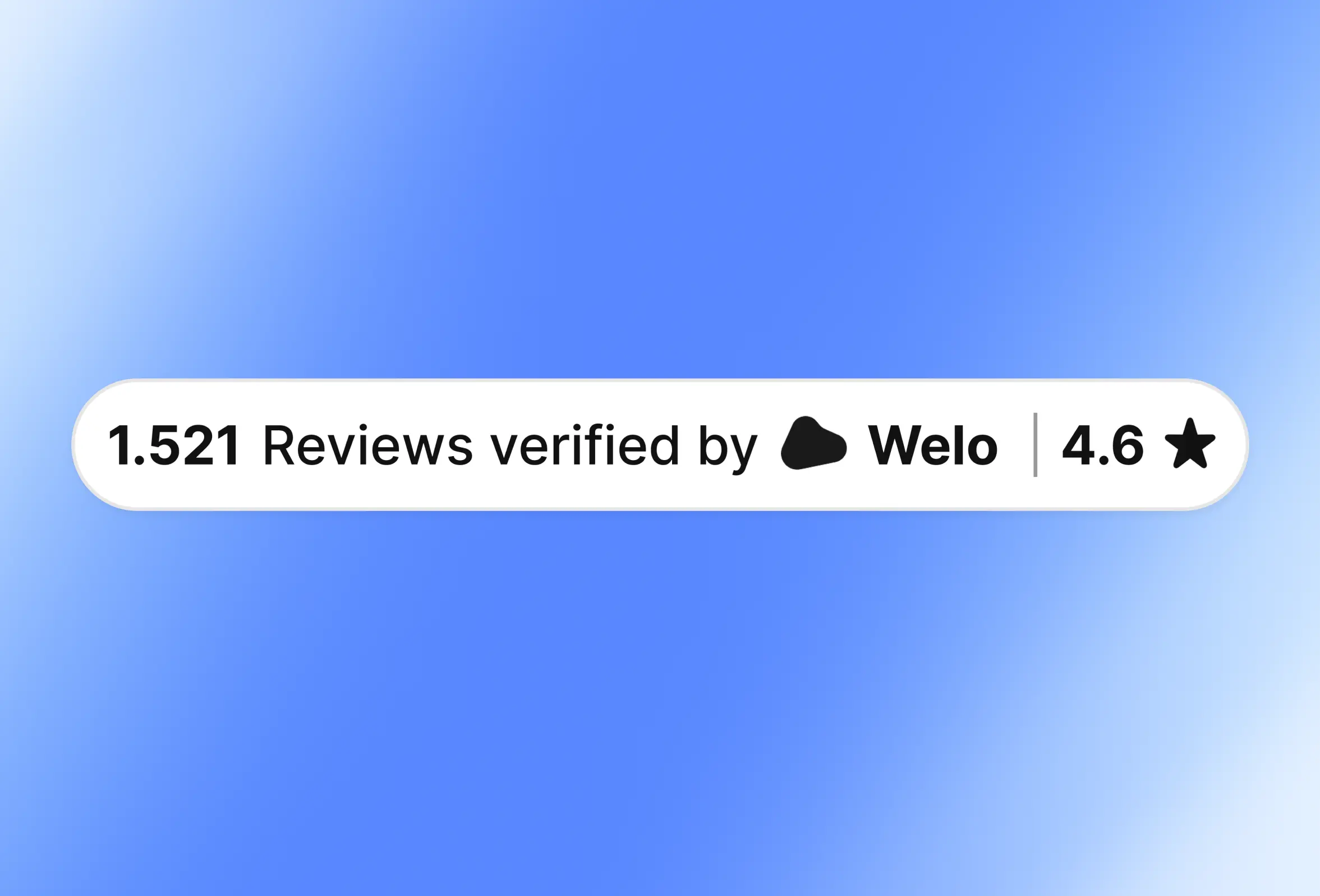
Reviews Widget: An inline display for ratings and verified review counts, with left, center, or right alignment.
Video Reviews: A media display for review photos and videos, with settings for language, media content, item limits, text visibility, and light, dark, or automatic themes.
Tag Widget: Small verified tags for Results, Partners, or Information, with alignment and language settings.
Full Review: A review card containing stars, text, and author information, with star filtering, language, locale, and theme settings.
Businesses select a format in the client portal, configure it, preview the result, and use Copy code to generate the company-specific snippet. The Welo widget guide explains the current formats and settings.
Applying, Activating Your Plan, and Going Live
The process begins with an application and the company information or documents requested in the portal. Welo reviews the business and may ask for clarification before making a decision. After approval, Welo proposes the applicable plan and presents any required setup fee or subscription steps.
Verification approval does not automatically put your page live. Complete any required plan activation steps, then review and publish your public page before installing an eligible widget.
Commercial terms come from the applicable offer and account terms. Subscription changes can affect access to the Welo Page, widgets, and analytics, so businesses should review those terms alongside the verification requirements.
Strengths and practical considerations
Strengths: A published trust standard, verification and reviews in one program, a public company record, and five display formats.
Practical considerations: Certification requires approval, activation follows the applicable offer, and the website must permit the required embeds or external scripts.
Welo certification does not guarantee product quality, delivery, or an issue-free purchase. Its purpose is to make verified business information and customer feedback easier to inspect. To understand the next steps, review how to apply for Welo certification.
TrustedSite, Earned Website Certifications and Trustmarks
Best for
Websites focused on displaying individually earned certifications for specified security checks and business contactability.
TrustedSite organizes its offering around separate certifications. Certified Secure addresses issues such as malware, malicious links, and phishing, while Verified Business requires at least two verified contact-information types from email, phone, address, and contact form.
The Verified Business requirements make that contactability scope clear. Verifying contact methods is useful, but it is not the same as a comprehensive audit of legal identity, ownership, policies, and merchant practices.
Visitors can click a trustmark to inspect the certifications a site has earned. TrustedSite monitors continued compliance and can withdraw certifications when requirements are no longer met. Its broader offering also includes Trusted Reviews certification and testimonial displays, with access depending on the plan and applicable requirements.
Under the TrustedSite plan rules, the free floating trustmark displays for up to 500 visits in a month. Once the limit is reached, display stops until the following month. Pro pricing is traffic-based, and visits above the selected allowance can generate overage charges. Paying for a plan does not replace the requirements for earning each certification.
Strengths and practical considerations: The certification-by-certification structure makes specific earned checks visible to customers. Businesses should account for traffic-related display costs and distinguish certification details from selected testimonials.
Trustpilot, Customer Reviews and Ratings
Best for
Businesses whose main focus is presenting customer reviews, review volume, and review-derived ratings.
Trustpilot centers on customer feedback. Its public profiles and website widgets present reviews, TrustScore, star ratings, and review counts. The Trustpilot widget catalog includes configurable displays for recent or selected reviews and other review-related information.
Trustpilot's TrustScore is a customer-feedback measure, whereas Welo's Trust Score comes from its verification framework. Neither the similar names nor the use of stars makes them equivalent. Welo also offers verified reviews and website review widgets, so the comparison is between a review-centered platform and a certification program that includes customer feedback.
The Free plan includes the Review Collector TrustBox, which encourages customers to leave feedback. That collection tool should not be confused with unrestricted access to premium rating and testimonial displays. Selected widgets, invitation allowances, and other tools depend on the plan. Trustpilot describes the Free-plan Review Collector in its product guide.
The Trustpilot pricing page specifies a prepaid 12-month initial commitment for paid plans. Businesses should compare the invitation allowance, display rights, domains, and account access included in the agreement rather than treating a monthly-equivalent price as a month-to-month contract.
Strengths and practical considerations: Trustpilot offers a broad review-display ecosystem and a public feedback history. Its ratings communicate customer experiences, not a business-policy audit or website-security certification, and the intended website display needs to match the selected plan.
Trusted Shops, Merchant Certification and Buyer Protection
Best for
Online shops seeking merchant certification combined with conditional Buyer Protection in supported markets.
Trusted Shops combines merchant-practice checks, reviews, and purchase protection. Its certification process examines identity and accessibility, cancellation rights, products and pricing, delivery and payment, and the ordering process. The Trustmark is awarded after the criteria are met, not simply after a subscription begins.
The offering includes service reviews about the shopping experience and product reviews about individual items. Its current Trustbadge AI+ combines the Trustmark, Buyer Protection, reviews, and #trstd Login, an authenticity feature that helps shoppers verify the shop. That feature should not be read as a promise of placement in AI recommendations.
A reviews-only display is distinct from an earned Trustmark. Participating in the review system alone does not establish certification or Buyer Protection. Customers can inspect the shop's certificate to confirm its validity.
Buyer Protection has its own coverage terms. The Trustmark certifies the merchant, while purchase protection is a separate benefit governed by those terms.
For its UK plans, Trusted Shops bases fees on store turnover and selected products, with annual advance payment and a 12-month minimum term. These conditions are listed on its UK pricing page.
Strengths and practical considerations: Trusted Shops brings merchant certification, reviews, and conditional purchase protection together. The distinction between review participation and certification matters, as do the market-specific protection terms. Those terms determine the protection available, not the appearance of the display alone.
DigiCert Smart Seal, Certificate-Linked Identity and Security Information
Best for
Organizations using eligible DigiCert products that want visitors to inspect certificate-related identity and security information.
DigiCert Smart Seal is included with eligible Secure Site and Secure Site Pro TLS certificates. According to the DigiCert site seal documentation, the seal is dynamic: visitors can select it to see information about the organization, its certificate, and relevant validation.
Domain control and organization validation are different checks. All publicly trusted TLS certificate types require proof of control over the relevant domains. Organization Validation and Extended Validation certificates also involve organization checks, with additional requirements for EV. DigiCert describes those distinctions in its Web PKI terms.
Additional security-information displays depend on the certificate product, eligibility, and configuration. A seal that can show scan or monitoring information does not mean every certificate includes every associated service.
Strengths and practical considerations: Smart Seal makes certificate information accessible through an interactive display. It is a benefit of eligible paid certificate products, not a customer-review widget or an assessment of fulfillment, refund-policy quality, or customer satisfaction.
How to Choose a Trust Badge That Answers Customer Questions
Start with the uncertainty behind a customer's hesitation. If visitors cannot tell who operates the business, a rating alone will not fill that gap. If they want to understand customer experiences, a certificate seal will not supply that feedback.
Welo addresses several of those questions together through business verification, policy and checkout transparency checks, a public company record, and verified reviews. Certificate-linked technical information and contractual purchase protection remain distinct capabilities, each with its own requirements.
Before committing, work through these questions:
Eligibility: Does your business type and market qualify, and what information must you provide?
Visible evidence: Can customers inspect the relevant company record, current status, policies, and reviews?
Review workflow: How will you invite feedback, manage submissions, report concerns, and keep a useful review history?
Display access: Does the plan include the intended badge or widget, and can your website run it?
Total cost: What setup fees, subscriptions, add-ons, taxes, traffic limits, invitation allowances, or overages apply?
Ongoing commitment: What happens at renewal, cancellation, a status change, or the end of a usage allowance?
Specific protection: If reimbursement is a requirement, what purchases, shoppers, losses, and claim conditions are covered?
Key takeaway
The best trust badge makes useful evidence easy to inspect. For businesses seeking verification and customer feedback together, Welo offers a connected path from certification to a public page and website displays.
Review the Welo eligibility requirements before applying, then use the application guide to prepare the information your business will need. Clear policies, working support, and an understandable checkout should support the badge rather than depend on it.
Install Your Badge and Check What Visitors See
Use authorized, company-specific code instead of a copied badge image. For Welo, open Widget in the portal, select a format, adjust its settings, preview it, and copy the complete snippet. Keep the generated URL, company slug, quotation marks, and attributes intact.
The Floating Badge script can be placed before the closing body tag. Inline formats include a container and script, so their complete block belongs in the page section where the display should appear. The Welo installation guide explains the placement details.
Shopify, WordPress, Webflow, and other builders provide different places for custom code. Use the website-builder installation guide to find the appropriate starting point. Your builder must permit the required embeds or external scripts, and some options depend on its plan or editor.
Before sharing the page, check the visitor experience:
Identity and record: Confirm the display belongs to the correct company and opens its expected public record.
Status and permissions: Check that the certification or display is current and authorized for your account.
Click behavior: Make sure the badge opens the intended page or popup and that visitors can close or navigate it.
Mobile and keyboard use: Check placement, readable text, keyboard access, and whether the widget blocks important controls.
Loading behavior: Confirm the display loads correctly on the published site and does not disrupt key tasks.
Measurement: Track relevant interactions and business outcomes over time rather than assuming a predetermined conversion increase.
A static badge image is not proof of authorization. Visitors should be able to compare the company or domain with the provider's record and inspect the information relevant to that badge.
Frequently Asked Questions
What is the best trust badge for a website in 2026?
Welo Badge is our primary recommendation for eligible businesses seeking business verification, trust certification, public company information, verified customer reviews, and website widgets together. The other options in this comparison focus on different combinations of website certifications, review displays, purchase protection, and certificate information.
Does Welo include verified customer reviews and review widgets?
Yes. Welo supports review invitations, submissions, applicable verification, fraud checks, moderation, reporting, and publication of eligible reviews. Its five widget formats include inline ratings, full review cards, and photo or video review displays, alongside the Floating Badge and Tag Widget. Available settings and account limits are shown in the portal.
What does the Welo Trust Standard check?
WTS v2.4 combines five mandatory foundation requirements with eight weighted topics covering identity, security signals, privacy, checkout transparency, policies, support, reputation, and risk. A business cannot offset a failed foundation requirement with a high score elsewhere.
Which website trust badges offer free accounts or free display options?
TrustedSite offers a free floating trustmark for up to 500 monthly visits, subject to earning the relevant certifications. Trustpilot's Free plan includes the Review Collector TrustBox, while other rating and review displays depend on the plan. Welo presents the applicable plan after approval, and DigiCert Smart Seal accompanies eligible paid certificates.
How does Welo Badge differ from TrustedSite?
Welo uses a business trust framework with mandatory requirements and weighted topics, then connects certification to a public Welo Page, verified reviews, and widgets. TrustedSite offers separate earned certifications, including Certified Secure and Verified Business. The difference lies in the checks performed and the information each certification makes available.
How do Welo reviews compare with Trustpilot review displays?
Both support customer-feedback displays on business websites. Welo includes verified reviews within a broader business verification and certification program, while Trustpilot centers on reviews and review-derived ratings. Welo's verification-based Trust Score is separate from customer review ratings and is not equivalent to Trustpilot's TrustScore.
Does a Trusted Shops reviews-only display mean the shop is certified?
No. Reviews-only participation does not establish that a shop has earned the Trusted Shops Trustmark or offers Buyer Protection. Certification requires meeting the applicable criteria, and protection has separate eligibility and coverage conditions.
Is a DigiCert Smart Seal the same as business trust certification?
No. Smart Seal presents certificate-linked information, including relevant identity and domain validation. It does not assess customer satisfaction, fulfillment, or the quality of merchant refund policies. HTTPS and certificate validation serve a different purpose from business trust certification.
Can I install Welo on Shopify, WordPress, or another website builder?
Yes, where the builder and your plan allow the required code. Generate the snippet in the Welo portal and place it in the appropriate custom-code, HTML, or embed area. The website-builder guide covers common placement patterns for Shopify, WordPress, Webflow, and other builders.
How can visitors check whether a trust badge is authentic?
Open the badge's linked record and compare the company, domain, and current status with the website being visited. For Welo, inspect the official Welo Page and its published trust information. Do not treat a copied image or an unrelated profile as evidence of current authorization.
Do trust badges guarantee refunds, delivery, safety, or higher conversions?
No. Business certification, customer ratings, and certificate seals are not unconditional purchase or security guarantees. Any purchase protection applies only under its specific terms. Business results depend on the website and customer experience, so measure outcomes rather than assuming a badge will produce a set increase.
Make Your Trust Information Easy to Verify
A badge earns its place when it helps customers answer real questions about your business. Welo brings verification, public trust information, and customer feedback together, giving eligible businesses a clear way to support their credibility with evidence.
If that is what your website needs, start with the Welo Trust Standard and eligibility requirements, then follow the certification application steps to prepare your business for review.